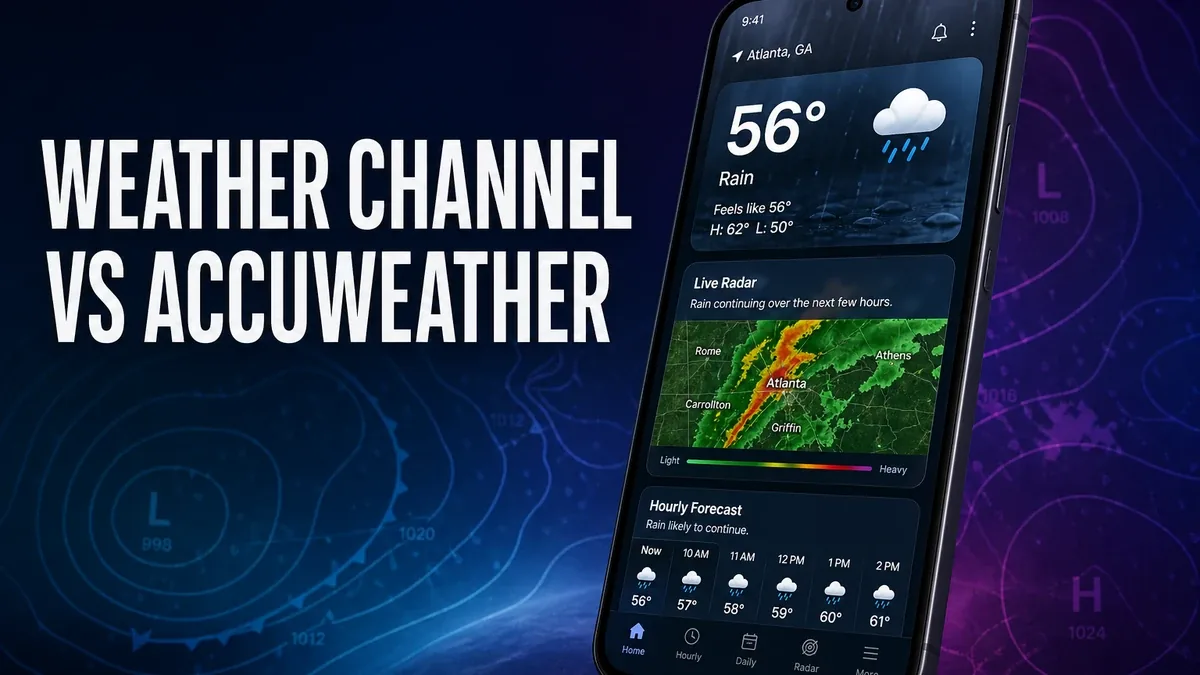
Most users compare weather apps by asking which one looks more accurate at a glance. That is usually too shallow. The real decision is which app helps you make better timing decisions when weather stops being background information.
Download The Weather Channel MOD APK - Unlocked
The Weather Channel · AccuWeather · Weather Apps · Timing Decisions · Android 2026
The Real Difference Is Not Which Forecast Looks Better. It Is Which App Fits Your Decision Style
Weather apps often get reduced to a false question: which one is "most accurate?" That is not how most users actually experience them. In daily life, what matters is whether the app helps you decide when to leave, whether to carry an umbrella, whether to delay a walk, or whether a trip window is tightening.
The core thesis of this article is simple: The Weather Channel makes more sense when you want a more guided, forecast-centered experience, while AccuWeather often feels stronger when you build your own judgment around radar habits and timing checks. The best weather app is not just about data. It is about how you make decisions with that data.
Why The Weather Channel Feels Better for Users Who Want More Guidance
The Weather Channel MOD APK tends to work better for users who want the app to do more of the interpretation. Instead of constantly building the forecast in your head from separate signals, you get a more packaged sense of what the day is likely to feel like.
That matters when weather is practical rather than hobby-like. Most people are not trying to analyze conditions for their own sake. They just want to know whether the afternoon will become inconvenient. A more guided weather product can feel better because it lowers mental overhead around ordinary timing decisions.
What you gain: a cleaner forecast-centered flow, less interpretation work, and an app that can feel easier for routine daily checking.
What you lose: some of the control and radar-first habits that more weather-sensitive users often rely on when timing matters down to the hour.
Why AccuWeather Still Wins for Some Timing-Heavy Users
AccuWeather still makes sense when you do not just want a weather summary. You want to actively check conditions, radar movement, and short-term timing before making a decision. For some users, that feels more trustworthy because they are not outsourcing the whole judgment to the app.
This is especially true when your routine depends on narrow timing windows: commuting on foot, running errands between showers, outdoor work, school pickup, or weekend plans that can be disrupted by one bad hour. In those cases, a more hands-on weather habit can feel safer than a more packaged one.
So again, the decision is not "which app wins." It is whether you want weather guidance or weather control. The Weather Channel and AccuWeather sit on different sides of that trade-off.
Best For, Not Ideal For
The Weather Channel is best for: users who want a straightforward weather app that helps them plan the day without having to over-read every weather signal themselves.
AccuWeather is best for: users who check weather more actively, rely on radar habits, or make more timing-sensitive outdoor decisions.
Not ideal for The Weather Channel: users who feel uneasy unless they can inspect the weather more directly and build their own timing judgment.
Common mistake: choosing only by interface preference instead of asking how much interpretation you want the app to do for you.
Before You Switch
Before switching, pay attention to how you already use weather on your phone. If you mostly want a fast answer before leaving home, The Weather Channel may fit better. If you repeatedly zoom into radar and second-guess timing windows, AccuWeather may still match your habits more closely.
If you are still deciding which direction makes more sense, start with our best Android weather apps guide. If your current frustration is specifically radar behavior, our AccuWeather radar not loading fix may be more useful than switching apps immediately. And if you are sideloading weather tools outside Google Play, our MOD APK safety guide is also worth reading.
Our Honest Recommendation
Choose The Weather Channel if you want weather to feel more like guidance and less like a small research project. Stay closer to AccuWeather if your routine depends on tighter timing and you trust your own radar-reading habits.
In short: The Weather Channel is better for lower-friction planning. AccuWeather is better for higher-control checking.
How to Download The Weather Channel MOD APK
Since the modded version is not available on the Google Play Store, you need to install it manually. Follow these steps:
- Enable Unknown Sources: Open Android settings, go to "Security" or "Apps," and enable "Install from Unknown Sources."
- Download the APK: Use the app page link to get the latest The Weather Channel MOD APK version.
- Remove Conflicting Versions: Uninstall incompatible builds first if installation fails.
- Install the APK: Tap the downloaded file and complete installation.
- Judge It by Timing Decisions: Use it for a few real commute or errand decisions before deciding whether it fits you better than your current weather app.
A weather app should reduce uncertainty at the moment you need to decide, not just look good when the sky is already obvious.
FAQ
Is The Weather Channel better than AccuWeather?
It is better for users who want a more guided, lower-friction weather workflow. AccuWeather can be better for people who actively rely on radar and tighter timing checks.
Who should use The Weather Channel?
Users who mainly want quick daily planning help rather than a more hands-on weather-checking routine.
When is AccuWeather still the better choice?
When your routine depends on short timing windows and you prefer to inspect the weather more directly before deciding.
What is the biggest mistake in choosing a weather app?
Choosing by surface preference alone instead of asking whether you want weather guidance or weather control.
If you want weather decisions to feel simpler and faster on ordinary days, The Weather Channel is often the easier app to live with.