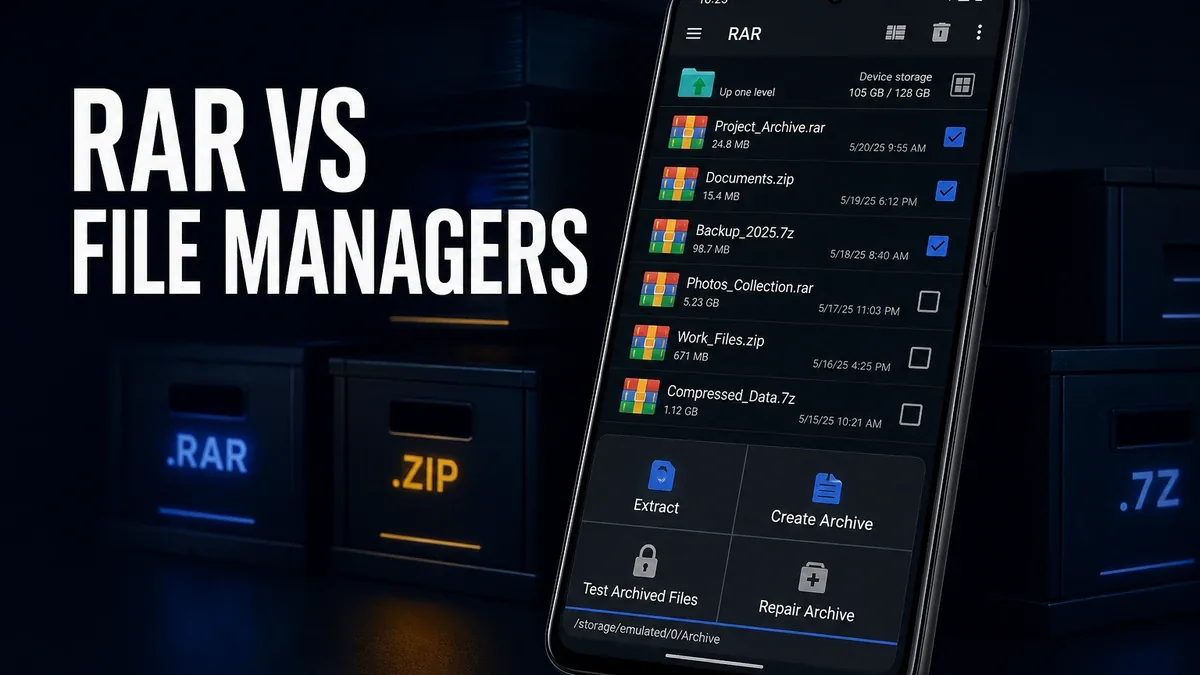
File managers help you find and move things. Archive apps help you pack, unpack, split, and recover compressed packages. Those jobs overlap on Android, but they are not the same decision.
Download RAR MOD APK - Premium Unlocked
RAR · Archive Extractor · File Manager · ZIP RAR Tools · Android 2026
The Real Split Is Archive Specialization vs File Browsing
Many Android users open a file manager whenever a ZIP or RAR lands in Downloads. That works for clean single archives. It becomes the wrong default when the package is multipart, passworded, needs stronger compression control, or benefits from repair-oriented archive tools that a general browser only covers lightly.
The core thesis of this article is simple: RAR is better when compressed packages themselves are the recurring job, while a file manager remains better when browsing, organizing, and moving files across storage is the main workflow. The right app is not the one that can open the most folders. It is the one that matches whether your unfinished work is archives or file structure.
Why Built-In Extract Is Often the Wrong Ceiling
System extract and casual file-manager unpacking feel enough until the archive stops being casual. Split volumes, encrypted packages, damaged downloads, and deliberate compression choices turn "open this ZIP" into archive work. At that point, a dedicated archiver is not overkill. It is the matching tool.
File managers still win when the real chaos is elsewhere: lost folders, mixed downloads, cloud mounts, and everyday sorting. Installing RAR will not fix a messy storage habit. It will only handle the compressed layer more deliberately.
So the comparison should not be "RAR versus MiXplorer as total file apps." It should be archive specialization versus file-management breadth.
What RAR Actually Does Better
RAR MOD APK makes more sense when packages are a regular part of your Android workflow. Creating archives, extracting broader formats, handling passwords, splitting volumes, and dealing with archive-specific edge cases sit closer to the center of the app than they do in a general manager.
What you gain: a clearer dedicated path for compression and extraction, stronger archive-format focus, and fewer dead ends when a basic unpack is not enough.
What you lose: some of the broader file-management surface that tools like MiXplorer provide for everyday sorting, dual-pane work, and multi-storage workflows.
RAR is strongest as an archive specialist. It is weaker when users install it hoping one extractor will also become their full file-organization system.
Best For, Not Ideal For
RAR is best for: users who regularly pack or unpack ZIP/RAR packages, deal with passwords or split archives, or need dedicated compression tools beyond casual system extract.
File managers are better when: the main job is browsing, organizing, transferring, and structuring storage. See MiXplorer vs Solid Explorer if that is the real shortlist.
Not ideal for RAR: users who almost never open archives, or whose friction is lost downloads and messy folders rather than compression formats.
Biggest cost: tool narrowness. Archive strength does not automatically equal better everyday file control.
Before You Choose RAR
Before choosing RAR, ask whether the unfinished job is the package or the folder tree. If compressed files keep stalling your workflow, a dedicated archiver is the clearer fit. If you cannot find files after they land, start with a file manager instead.
For broader file control after extraction, use the MiXplorer app page. For install friction, keep the APK parsing error fix and the MOD APK safety guide nearby.
Our Honest Recommendation
Choose RAR when compressed packages are a recurring Android job and basic extract options keep falling short. Stay with a file manager when organization and browsing are the real daily problem.
In short: RAR is better for archive specialization. File managers are better for storage workflow.
How to Download RAR MOD APK
Since the modded version is not available on the Google Play Store, you need to install it manually. Follow these steps:
- Enable Unknown Sources: Open Android settings, go to "Security" or "Apps," and enable "Install from Unknown Sources."
- Download the APK: Use the app page link to get the latest RAR MOD APK version.
- Remove Conflicting Versions: Uninstall the official RAR build first if installation fails due to signature conflict.
- Install the APK: Tap the downloaded file and complete installation.
- Test a Real Archive Job: Extract one passworded or multipart package and confirm both success and output location before deciding it fits.
An archive app earns its place when packages are the bottleneck. If the files are already extracted and still lost, you need a file manager more than another unpacker.
FAQ
Is RAR better than a file manager?
For archives, often yes. For everyday browsing and organization, a dedicated file manager is usually the better tool.
Who should use RAR?
Users who regularly handle ZIP/RAR packages and need dedicated compression, extraction, password, or split-archive tools.
When is RAR the wrong choice?
When you rarely open archives, or when the real problem is finding and organizing files after they are already extracted.
What is the biggest trade-off with RAR?
You gain stronger archive specialization, but you do not automatically get a complete file-management system for everyday storage chaos.
If compressed downloads keep stalling your Android workflow, RAR is one of the clearer dedicated archive options.